


hide Facebook popups
-- 07.06.2018 --
For all people who do not have a Facebook account (anymore), or just do not want to log in:
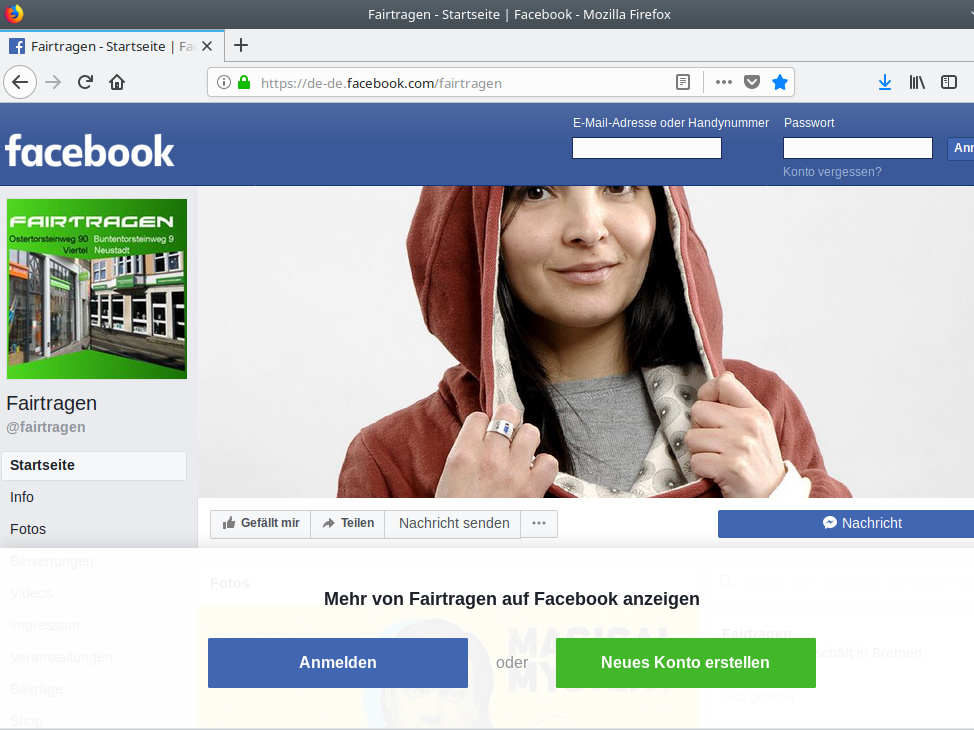
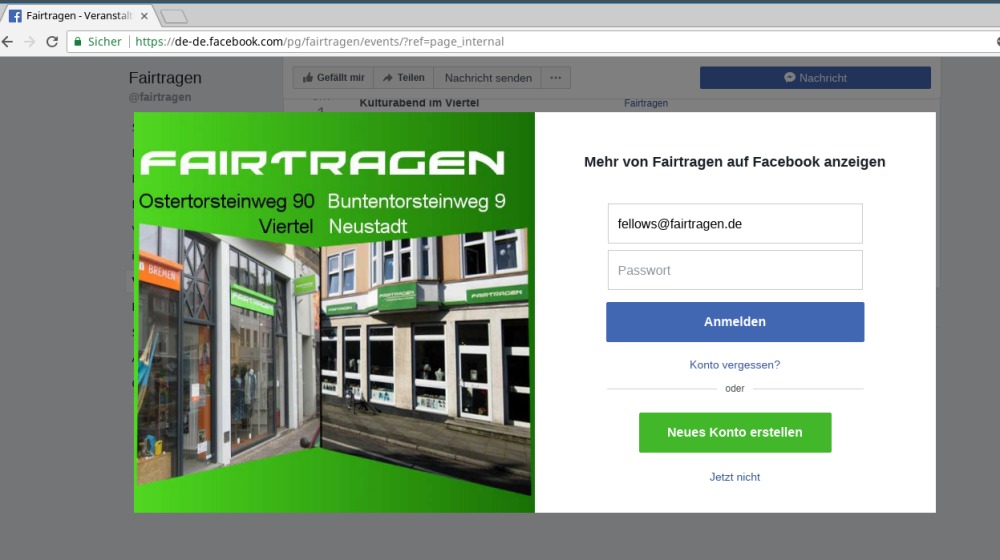
For many pages, Facebook displays an extra window over the content and prompts you to log in. Of course that bothers you while surfing.
To get around that, there's a little trick. For the browser Firefox it works as follows:
Good luck with it and have fun with unhindered surfing!
For all people who do not have a Facebook account (anymore), or just do not want to log in:
For many pages, Facebook displays an extra window over the content and prompts you to log in. Of course that bothers you while surfing.
To get around that, there's a little trick. For the browser Firefox it works as follows:
- Open Firefox profile folder
- Create the folder "chrome"
- Create the file userContent.css in the new folder
- write the following into the new file:
Good luck with it and have fun with unhindered surfing!